




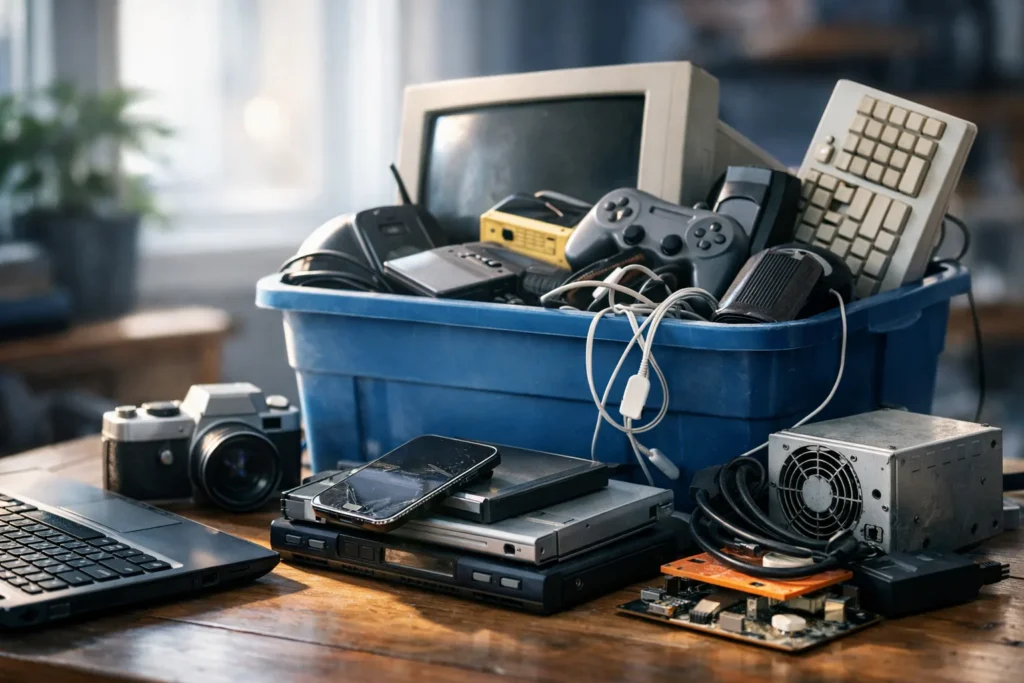
The drawer of dead chargers is the hardest part of many decluttering projects. Old phones, tablets, laptops, cables, and monitors feel too valuable to throw out and too useless to keep. The right answer is neither. Electronics contain metals and materials that can be recovered, and they can contain personal data that should be erased before they leave your house.
Why electronics should not go in the trash
The U.S. Environmental Protection Agency encourages reuse and recycling of electronics rather than disposal in regular trash. Its guidance explains that recycling electronics conserves materials and keeps potentially harmful substances out of landfills.
Recycling consumer electronics conserves natural resources and avoids air and water pollution, as well as greenhouse gas emissions, that are caused by manufacturing new products. — U.S. Environmental Protection Agency (EPA), paraphrased from its electronics guidance
Rules differ by state and city, and some places restrict certain items from landfills. The EPA website points to national resources for finding recycling options, and the Ohio EPA and similar state agencies explain local requirements. Check your own state or county page for what applies to you.
Step 1: gather and sort
Put every old device and cable into one box. Sort them into three groups:
- Still works and is useful: a recent phone, a tablet, or a working monitor that someone could use.
- Works but is outdated: older devices that a recycler or refurbisher can handle.
- Broken: cracked screens, swollen batteries, and devices that do not turn on.
Handle damaged or swollen batteries with care. Do not puncture, crush, or throw them in the trash. Tape the terminals of loose lithium batteries, put each in its own bag, and take them to a collection site that accepts them.
Step 2: protect your data
Before any device leaves your home, remove your personal information.
- Back up photos, contacts, and documents to a place you control.
- Sign out of accounts, including cloud services and app stores.
- Remove SIM and memory cards.
- Use the device’s factory reset option, and confirm that the process finished.
- For computers, use a secure wipe tool, or remove the drive and ask a recycler to destroy it.
The Federal Trade Commission also offers consumer guidance on protecting your information when you dispose of a device. Do not skip the reset because the device looks too old to matter. Old phones can hold saved passwords and messages.
Step 3: choose a destination
- Manufacturer or retailer take-back programs. Many makers and electronics sellers accept old devices. Ask about the program before you go.
- Community collection events. Many cities and counties hold electronics recycling days or run permanent drop-off sites.
- Certified recyclers. Look for recyclers that follow recognized responsible-recycling standards.
- Donation. Working devices can go to schools, shelters, or nonprofits, if they accept them and you have wiped your data.
Avoid anyone who offers to take your electronics for free but will not tell you where they go. Ask how they handle data and what happens to what they cannot reuse.
Keep the stash from coming back
Set a rule for new electronics: when a new device arrives, the old one goes into a labeled bin near the door. When the bin is full, make one trip. Label cables with a piece of tape when you unplug them so you can tell later what they belong to. If you cannot name the device, recycle the cable.
For more ideas on keeping a drawer or a shelf from refilling, see our guides in storage and closets.
A quick checklist
- Back up what you want to keep.
- Sign out and factory reset each device.
- Remove SIM and memory cards.
- Tape the terminals of loose batteries.
- Choose a take-back, event, or certified recycler.
- Take everything in one trip.